ICT Skilling & Digital Literacy
Access alone isn’t enough. Knowing how to use it truly levels the field.
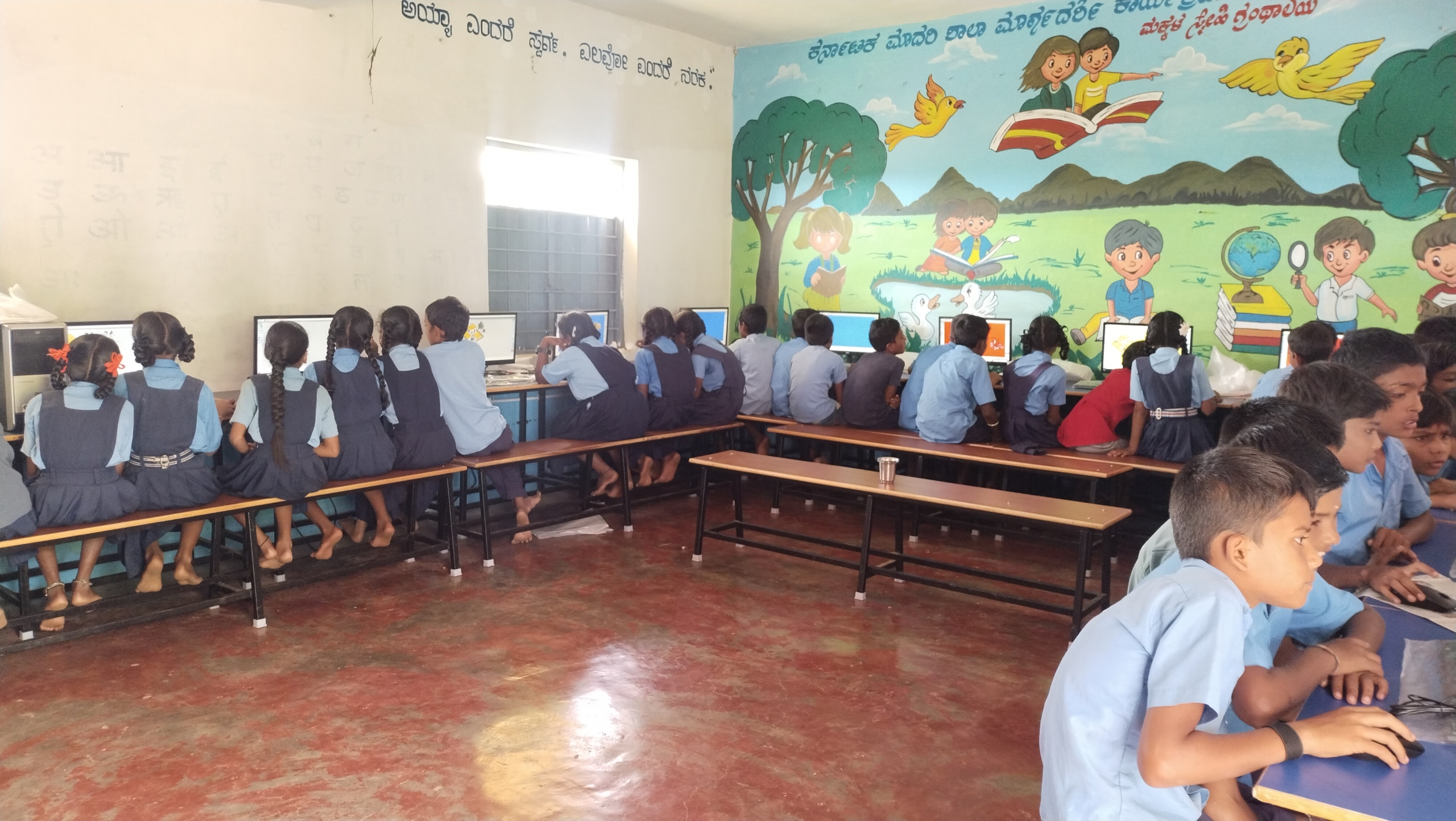
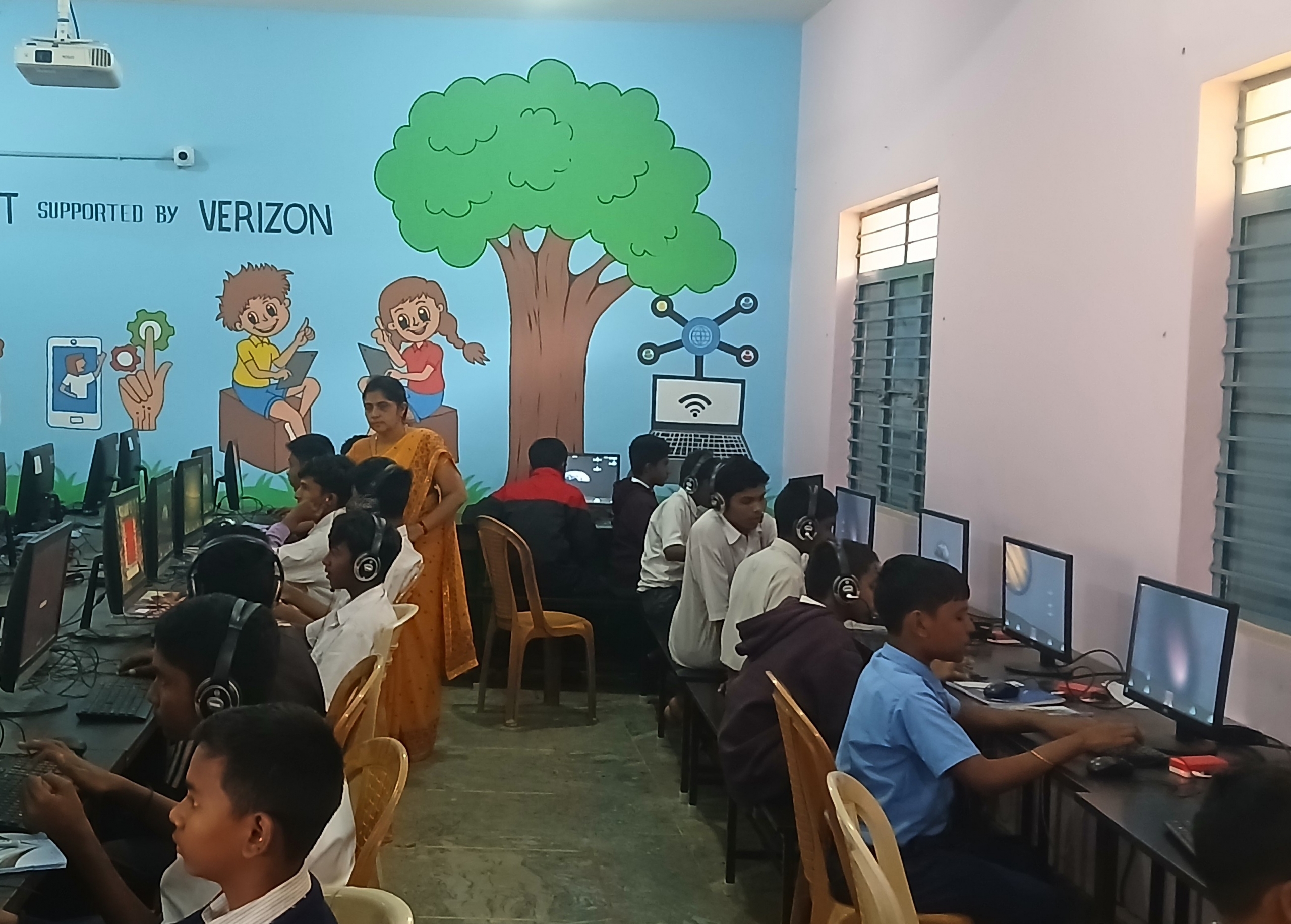
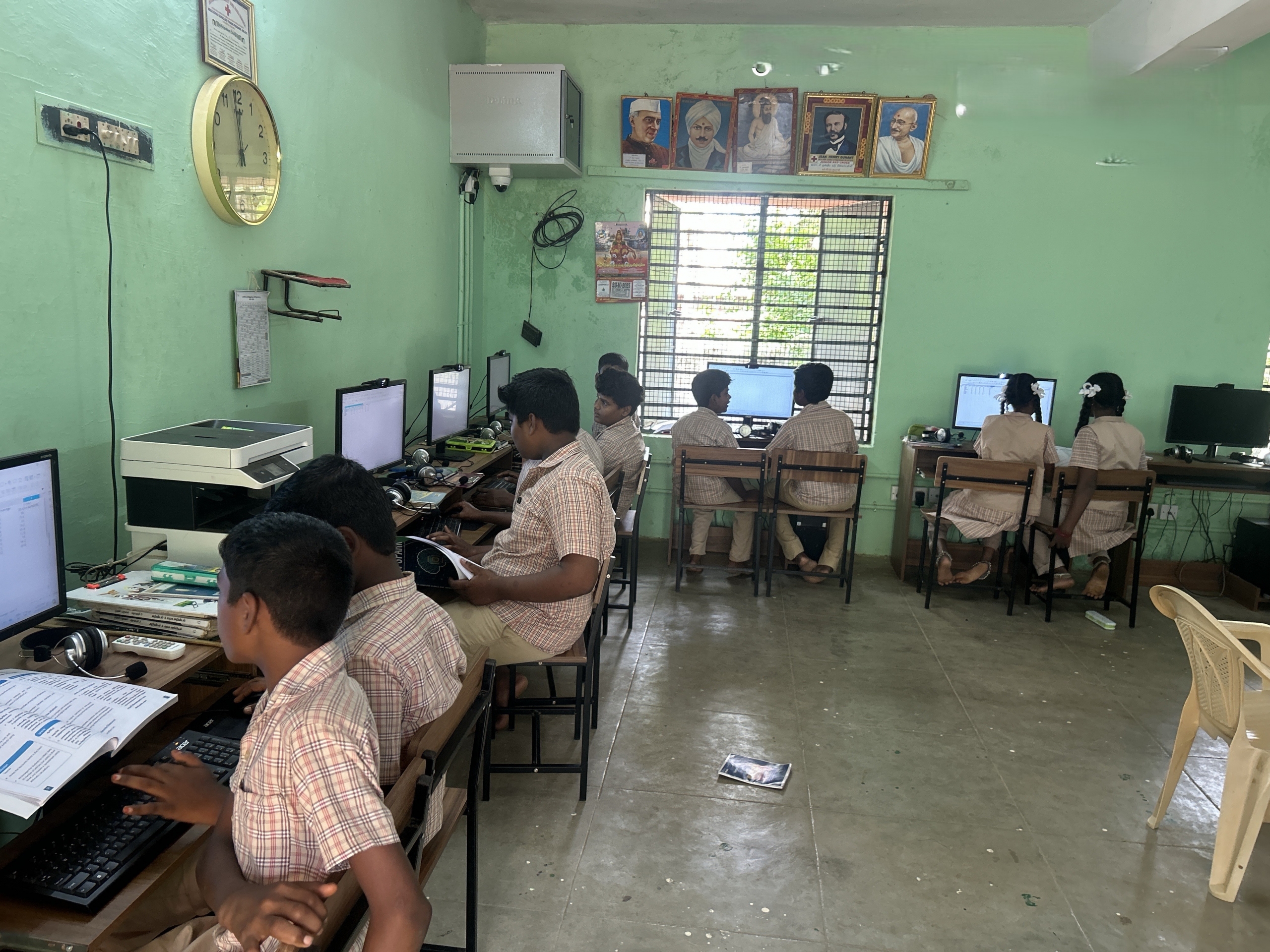
State governments have invested heavily in computer labs for government schools — Karnataka’s TALP (Technology Assisted Learning Program), Tamil Nadu’s SPARK initiative, and comparable schemes elsewhere. Yet in many schools these labs sit underused: teachers aren’t trained to fold them into lessons, students get limited unstructured time with no curriculum, and expensive infrastructure becomes just another locked room. The digital divide isn’t just about who has a computer — it’s about who knows how to use one to learn, create, and grow.
Tools mapped to the curriculum, taught through self-learning modules
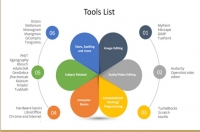
ILP’s own team calls the model Technology Assisted Learning Program+ (“TALP+”) — it takes what a state government has already built (computer labs, ICT policy mandates, TALP-style infrastructure) and adds what was missing: structured content, a trained facilitator, and a path from tool to career. Students work through a curriculum of 26 open-source software tools, each mapped to NCERT subjects across Math, Science, and Social Science. An example of tools used – GeoGebra for geometry proofs, PhET simulations for physics experiments, Kalzium for the periodic table, KStars and Stellarium for astronomy and LibreOffice for documents. Every tool comes with self-learning video modules — in local languages (Kannada, Tamil, Telugu, and Hindi).
The program aligns to the NSQF (National Skills Qualifications Framework) and runs as student-led, self-paced digital learning. ILP facilitators work alongside teachers in a co-teaching model — they don’t replace the teacher, they build the teacher’s confidence with the technology, then hand the classroom fully back to the school.
Subject-linked digital tools
Every tool maps to specific NCERT chapters. Students don’t just “use a computer” — they use PhET to simulate pH scales for Chemistry, GeoGebra to prove geometry theorems, and KGeography to explore world maps.
Self-learning modules in the local language
Each tool comes with short self-learning videos, produced in the language of instruction depending on the state. Students watch, explore, and practice at their own pace.
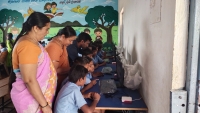
Open-source & free forever
Free and open-source tools (26), built to run offline on the Linux systems already in government labs — no license fees, no vendor lock-in, no expiry.
Co-teaching, then handover
ILP facilitators work alongside the school’s computer teacher. The facilitator introduces tools, troubleshoots, and gradually transfers confidence to the teacher, so they can run sessions independently.
From unused lab to digital confidence
Here’s how ILP turns a computer lab — wherever the government has already built one — into active, everyday learning.
Government partnership & lab setup
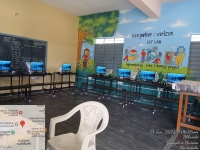 ILP builds on infrastructure the state has already put in: TALP computer labs in Karnataka, state ICT labs in Tamil Nadu and Telangana, or dedicated labs inside Jharkhand’s residential girls’ schools (KGBVs). Where labs don’t exist, ILP partners with CSR funders and the education department to set them up. ILP’s technical team installs tools, loads self-learning video modules in the local language.
Facilitator placement & teacher training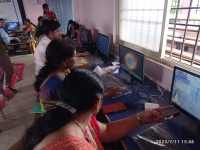
An ILP-trained Digital Literacy Facilitator is placed at the school to co-teach ICT sessions. Teachers receive orientation on how the 26 tools map to their subjects — so the Math teacher knows GeoGebra can demonstrate her geometry lesson, and the Science teacher knows PhET can simulate the physics experiment she’s been drawing on the board.
Structured weekly ICT sessions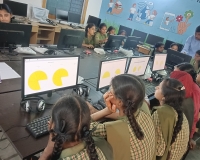
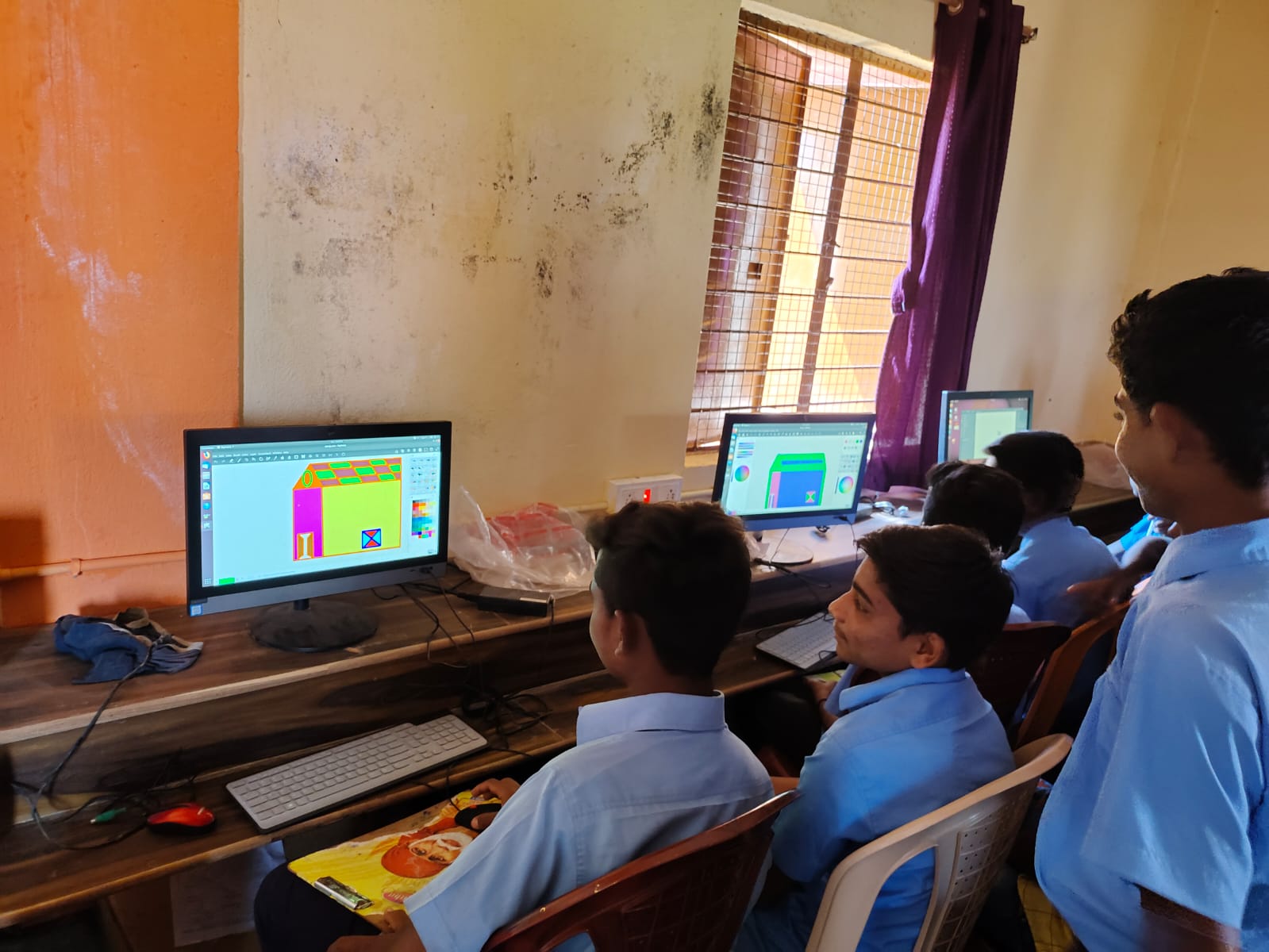
Students attend scheduled ICT periods where they work through self-learning modules, explore subject-linked tools, and complete hands-on projects — creating presentations in Impress, editing photos in GIMP, building mind maps in Freeplane, solving geometry in GeoGebra, or exploring astronomy in Stellarium. Learning is self-paced with facilitator support.
Assessment & handover to the system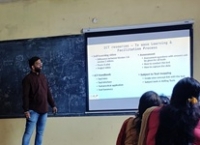
Each tool module ends with assessment questions, and ILP tracks student progress and tool usage. Over time, the facilitator transfers skills and confidence to the school’s computer teacher.
Bridging the digital divide from the classroom
Cumulative reach of ILP’s ICT program across multiple states
During my visit to Gubbi, I noticed that in schools supported by ILP, the teachers were teaching very well and children’s learning was happening effectively. In making learning effective in these schools as compared to other schools, the support they received from ILP played a very important role.
Scaling through government partnerships
ILP’s ICT program is built to work inside each state’s own systems. In Karnataka, a MoU with DSERT (Directorate of State Educational Research and Training) puts ILP’s digital content and teacher-training modules directly into the state’s TALP and Guru Chetana Programmes — DSERT owns, licenses (under CC BY-SA 4.0), and maintains the content going forward, so the state’s own DIET network can keep training teachers without ILP in the room. In Tamil Nadu, ILP is an implementation partner named by SCERT and Namma School Namma Ooru Palli for TN SPARK, the state’s AI curriculum rollout, expanding to 19 districts. In Telangana and Jharkhand, similar partnerships with state education departments and CSR funders bring the same self-learning-plus-facilitator model into new districts each year — 108 blocks across 20 districts in the 2024-25 plan alone.
Gallery
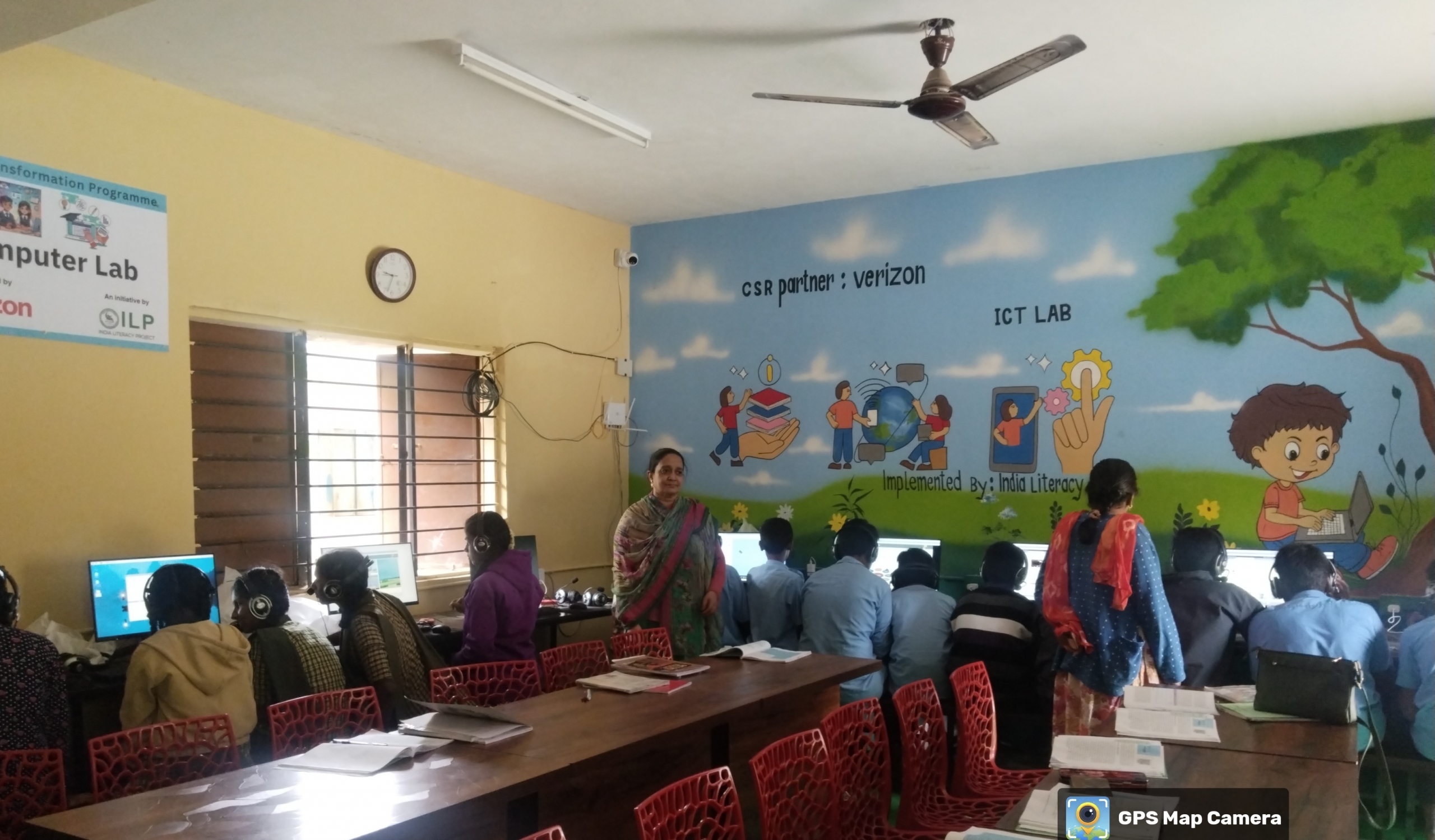
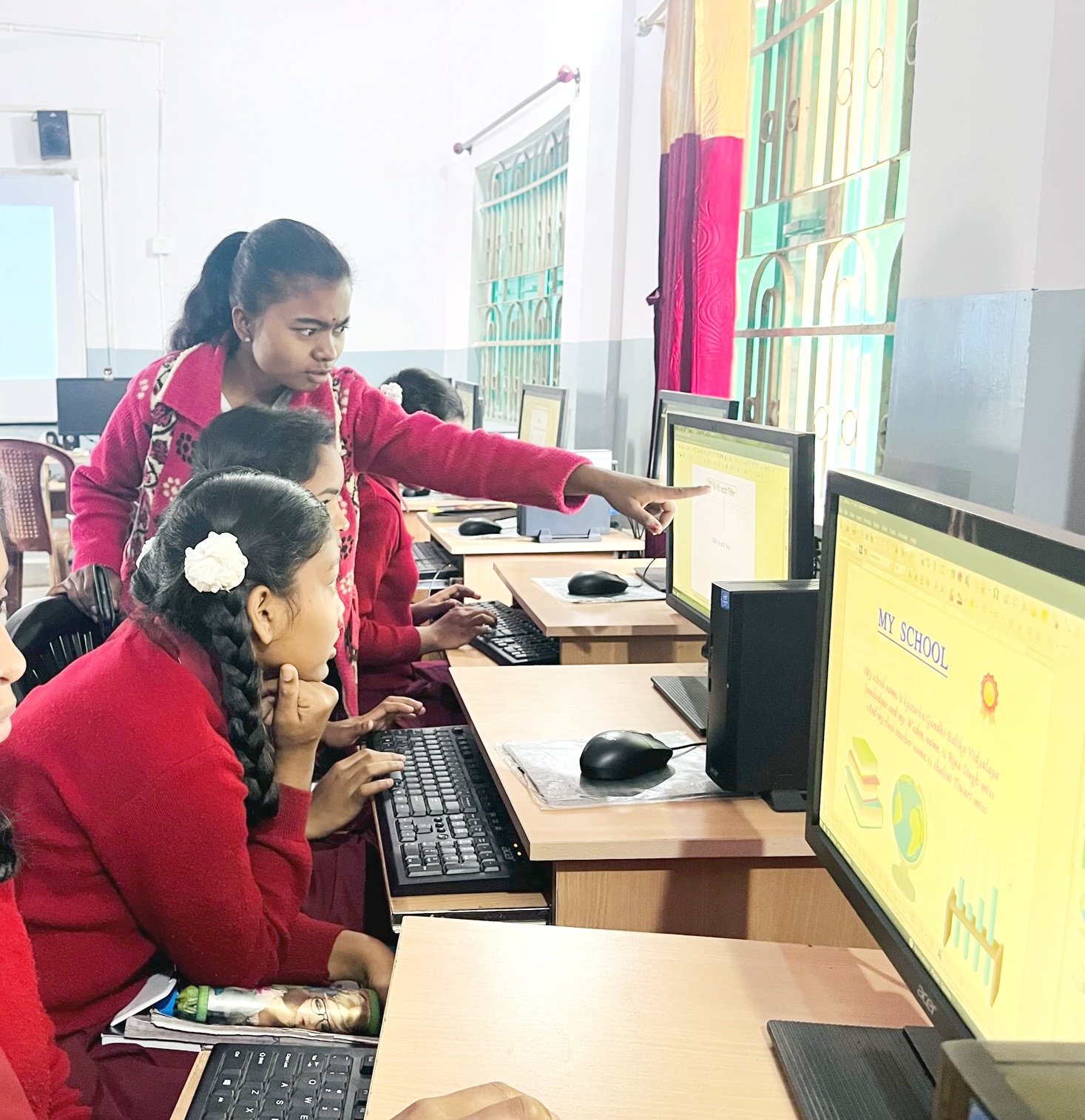
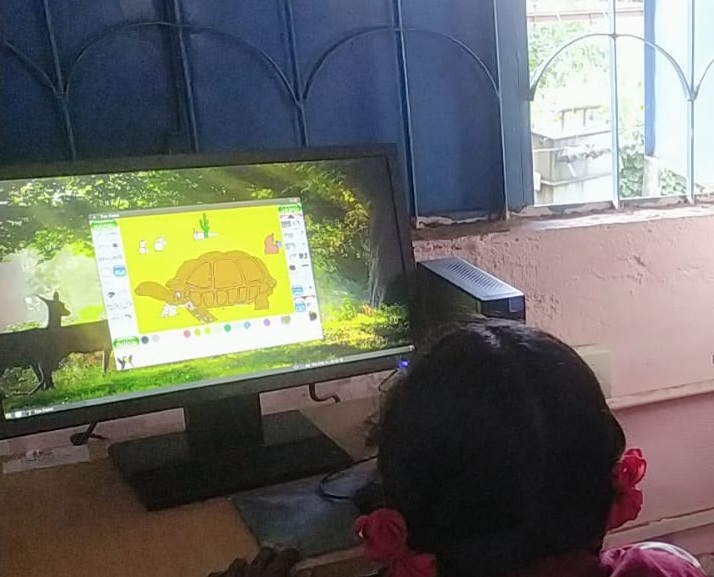
Turn a locked computer lab into a digital learning space
Your support funds a facilitator to configure content mapped to curriculum, train teachers and brings digital literacy to students